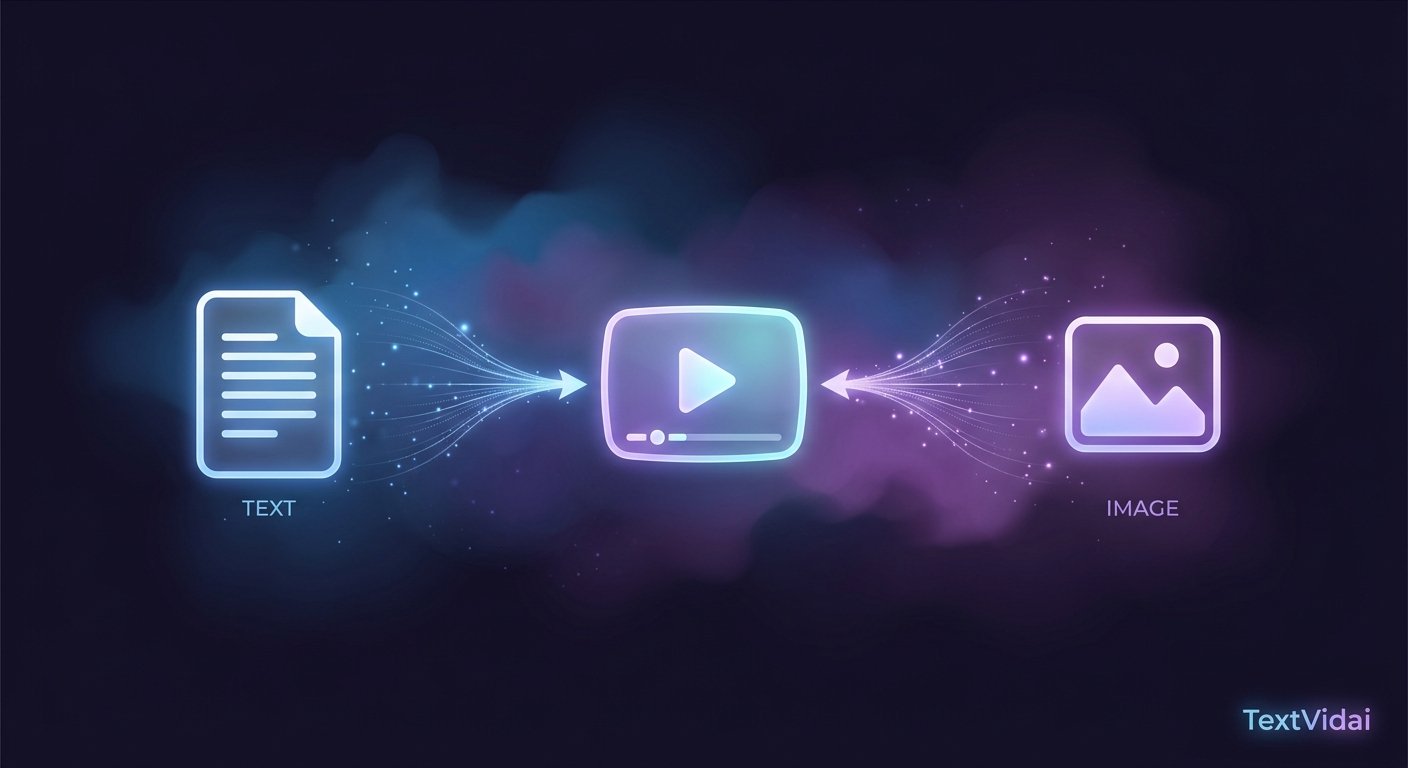
Most AI video generators support two different starting points: a written text prompt, or an uploaded image. They sound similar, but they solve different problems and tend to produce different kinds of results. This guide breaks down exactly how text to video and image to video differ, when each one makes more sense, and how combining both can give you more control over the final clip.
What Is Text to Video?
Text to video generation starts entirely from a written prompt. You describe the subject, action, setting, camera movement, lighting, and style in words, and the AI model interprets that description to generate the entire video from scratch — there's no existing visual reference guiding the output.
This means the model has full creative freedom to interpret your description, which is useful when you don't have a specific starting image in mind, but it also means the result depends heavily on how clearly and specifically the prompt is written.
What Is Image to Video?
Image to video generation starts from an existing image instead of a blank slate. You upload a photo, illustration, or product shot, and the AI model animates it — adding motion, camera movement, or environmental effects while keeping the visual identity of the original image intact.
Because the model has a concrete visual reference to work from, image to video tends to produce results that stay closer to a specific look you already have in mind, rather than relying entirely on how the model interprets written language.
Key Differences Between Text to Video and Image to Video
When to Use Text to Video
Text to video tends to be the better choice when:
You're starting from an idea rather than an existing photo or graphic
You want full creative freedom over the scene, style, and composition
You're generating cinematic, fantasy, or conceptual content that doesn't correspond to a real image
You're experimenting with different visual directions quickly by adjusting the prompt
Example use case: Generating a cinematic fantasy scene for a story, where no reference image exists and the entire scene needs to be imagined from scratch.
When to Use Image to Video
Image to video tends to be the better choice when:
You already have a product photo, logo, or brand image you want to bring to life
Visual consistency with an existing asset matters more than creative reinterpretation
You want to animate a specific photo — for example, adding subtle motion to a portrait or product shot
You're working within brand guidelines that require a specific look to be preserved
Example use case: Animating an existing product photo for an e-commerce ad, where the product's exact appearance needs to stay accurate and recognizable.
Can You Combine Text to Video and Image to Video?
Yes, and many creators do. A common workflow is to upload a reference image and pair it with a text prompt describing the motion, camera movement, or scene extension you want — giving you the visual accuracy of image to video with some of the directional control of a text prompt. Some AI video models also support using multiple reference images alongside a text description, which can help maintain character or product consistency across several generated clips.
This hybrid approach is often the most practical option when you want a result that's both visually accurate to something specific and directed with more intention than the image alone would produce.
Which One Produces Better Results?
Neither method is universally "better" — the right choice depends on what you're starting with and what you're trying to achieve. As a general rule:
If you're starting from nothing but an idea, text to video gives you the flexibility to explore.
If you're starting from something specific you need to preserve, image to video keeps you anchored to it.
If you need both accuracy and direction, combining the two often produces the most reliable result.
Trying Both Methods
Both approaches are available through most modern AI video platforms, so you don't have to commit to just one. You can generate AI videos from text using an AI video generator like TextVidai, which supports both text-to-video and image-to-video generation across multiple AI models. To see the kind of results each approach produces, the AI-generated video examples on the showcase page include both styles.
Frequently Asked Questions About Text to Video vs Image to Video
What's the main difference between text to video and image to video?
Text to video generates an entire video from a written description with no existing visual reference, while image to video animates an uploaded image, keeping its visual identity intact and adding motion around it.
Which is better for product marketing, text to video or image to video?
Image to video is often better for product marketing since it keeps the product's exact appearance accurate, while text to video is better suited to conceptual or cinematic content where no existing product image is involved.
Can I use both text and image together in one generation?
Yes. Many AI video platforms support pairing an uploaded reference image with a text prompt, combining visual accuracy with more specific directional control over motion and camera movement.
Does image to video give more consistent results than text to video?
Generally yes, since the output is anchored to a specific existing image, whereas text to video results depend more heavily on how the model interprets the written prompt.
Which method should beginners start with?
Beginners without a specific image in mind often find text to video more approachable to experiment with, while those with a specific product or photo to animate should start with image to video.
Where can I try text to video and image to video generation?
An AI video generator such as TextVidai supports both methods, letting you compare results from the same starting concept.
Conclusion
Text to video and image to video solve different problems: one builds a scene entirely from description, the other brings an existing image to life while preserving what it already looks like. Neither is inherently better — the right choice depends on whether you're starting from an idea or from something specific you need to keep accurate. When you're ready to try either approach, or combine them, you can use TextVidai to generate video from text, an image, or both.