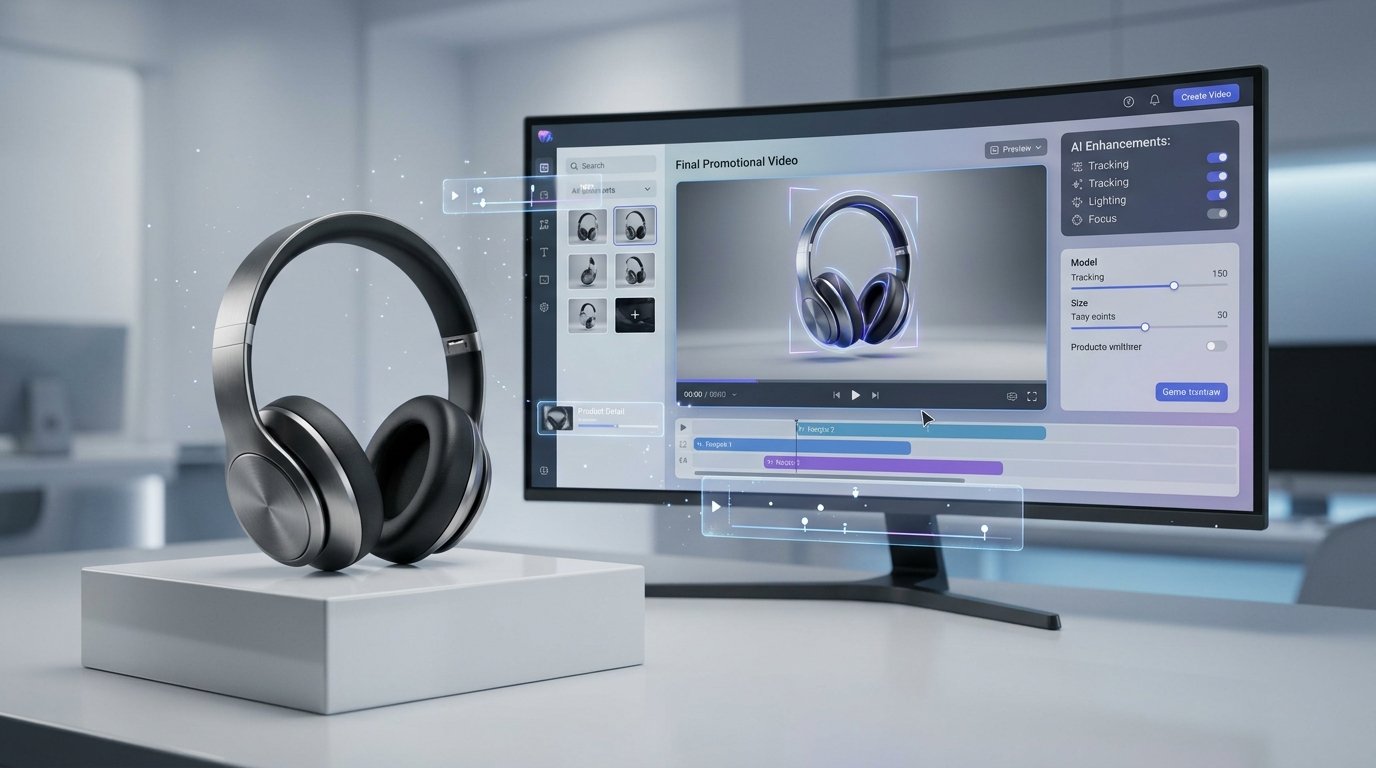
Product pages with video consistently hold attention longer than static images alone, but filming a demo for every SKU isn't realistic for most online stores. AI video changes that by turning a written description into a product demo clip without a camera, model, or studio setup. This guide covers how ecommerce brands can use AI video for product demos from writing the prompt to picking the right format for each platform using an AI video generator like TextVidai.
Why Ecommerce Brands Are Using AI Video
Product photography alone often leaves buyers guessing about scale, texture, or how something actually works in use. Video fills that gap, but traditional production is slow and expensive to repeat across an entire catalog. AI video solves the repeatability problem — the same prompt structure can be reused across dozens of products, adjusting only the details that change from one item to the next.
This makes AI video especially useful for:
New product launches where photography exists but video doesn't
Stores with large catalogs where filming every item isn't feasible
Testing multiple ad angles quickly before committing to paid spend
Seasonal or limited-run products that don't justify a full shoot
What Makes a Good Ecommerce Product Demo Video?
A strong product demo video usually answers three questions within the first few seconds:
What is it? - the product should be clearly visible early
How does it work or look in use? - motion, angle, or context that a photo can't show
Why does it matter? - a benefit, detail, or moment that gives the viewer a reason to keep watching
The same prompt formula used for other AI video content applies here:
Subject + Action + Environment + Camera + Lighting + Style + Mood
For product demos specifically, the "action" and "camera movement" elements tend to matter most, since they're what a static photo can't already show.
How to Write an AI Prompt for a Product Demo
Name the product specifically. Include material, color, or category detail rather than a generic term.
Decide what the camera should reveal. A rotation shows form, a close-up shows texture, a pull-back shows scale.
Choose a setting that matches the product's use case. A kitchen tool looks different in a studio than on a countertop mid-use.
Specify lighting that matches your brand. Bright and even reads as clean and modern; warm and soft reads as premium or cozy.
Keep the mood consistent with your brand voice. A minimalist tech brand and a handmade craft brand should not use the same lighting or pacing.
AI Product Demo Prompt Examples by Category
Studio-Style Rotation Demo
Best for product pages where the goal is showing form and detail clearly.
A clean 360-degree rotating shot of [product] on a minimalist pedestal, soft studio lighting, subtle shadow and reflection, sharp focus, modern commercial style.
In-Use Demo
Best for products where function matters more than appearance alone kitchen tools, beauty devices, accessories.
A close-up shot of hands using [product] in a real kitchen or bathroom setting, natural window lighting, shallow depth of field, authentic everyday atmosphere.
Texture & Detail Close-Up
Best for products where material quality is a key selling point fabric, skincare, jewelry.
An extreme macro shot of [product] surface texture, soft diffused lighting, slow camera movement across the detail, tactile and premium mood.
Unboxing-Style Reveal
Best for building anticipation around packaging and first impressions.
An overhead shot slowly revealing [product] inside branded packaging, soft natural lighting, satisfying reveal-style pacing, warm inviting mood.
Scale & Context Demo
Best for products where size or proportion is easy to misjudge from a photo.
A wide shot of [product] placed within a real-world setting to show scale, natural even lighting, steady camera pull-back, clear and informative style.
Matching Video Format to Platform
Product page video: Horizontal or square, 10-20 seconds, focused on clarity over style
Instagram/TikTok ad: Vertical, 6-15 seconds, stronger hook and faster pacing
Email marketing: Short looping clip, square or horizontal, simple and clean
Paid ads: Vertical or square depending on placement, with a clear product view within the first 2 seconds
Reusing the same core prompt with small adjustments to framing and pacing is usually more efficient than writing an entirely new prompt for each platform.
Turning Product Demo Prompts Into Videos
Once you've written a prompt for a product, you can generate AI videos from text using TextVidai, selecting from multiple AI video models to compare how each interprets the same description. If you want to see finished examples before creating your own, the AI-generated video examples on the showcase page include a range of product-style clips.
If you're planning to create demo videos across a full catalog, it's worth reviewing TextVidai pricing to find a plan that fits your volume.
Frequently Asked Questions About AI Video for Ecommerce
How is AI video used for ecommerce product demos?
AI video turns a written prompt describing a product, its setting, and camera movement into a finished video clip, allowing ecommerce brands to create product demos without filming equipment or a studio.
What should an AI product demo prompt include?
A strong prompt names the product specifically and includes the camera angle or movement, lighting, setting, and mood, so the AI model has clear direction for what to generate.
Can AI video replace product photography?
AI video works best alongside product photography rather than replacing it entirely — photos still handle static detail shots, while video adds motion, context, and demonstration that images can't.
What video format works best for product listings?
Horizontal or square video around 10–20 seconds tends to work well for product pages, while vertical formats suit social ads and Reels or TikTok placements.
Is AI video suitable for large product catalogs?
Yes. Because the same prompt structure can be reused with small adjustments across products, AI video is often more practical than filming for stores with many SKUs.
Where can I create AI product demo videos?
An AI video generator such as TextVidai can turn product prompts into demo videos, with access to multiple AI video models.
Conclusion
AI video gives ecommerce brands a practical way to add product demos across a catalog without the cost and time of traditional filming. A clear prompt covering the product, camera movement, lighting, and setting is usually enough to produce a usable demo, and the same structure can be reused across multiple listings. When you're ready to test it, you can use TextVidai to turn a product description into a finished AI-generated demo video.