If you've spent any time browsing video tools lately, you've probably noticed something: everyone seems to be making videos with AI now. Marketers, YouTubers, small business owners, students all typing a few lines of text and watching a video appear minutes later. But once you start looking for the right tool, you hit a wall of choices, and the biggest question of all: should you go with a free ai video generator or pay for a premium plan?
The honest answer is it depends on what you're making, how often you're making it, and how polished it needs to look. Let's break down the real differences so you can pick the option that actually fits your workflow, instead of guessing. If you want to jump straight in, you can try TextVidAI's AI video generator with a low-cost starter credit pack while you read.
What a Free AI Video Generator Actually Gives You
Free tools have come a long way. A few years back, "free" usually meant a clunky demo with a giant watermark slapped across the middle of your clip. That's changed. In 2026, free tiers on many platforms are genuinely usable for short-form content, quick concept testing, and social media posts.
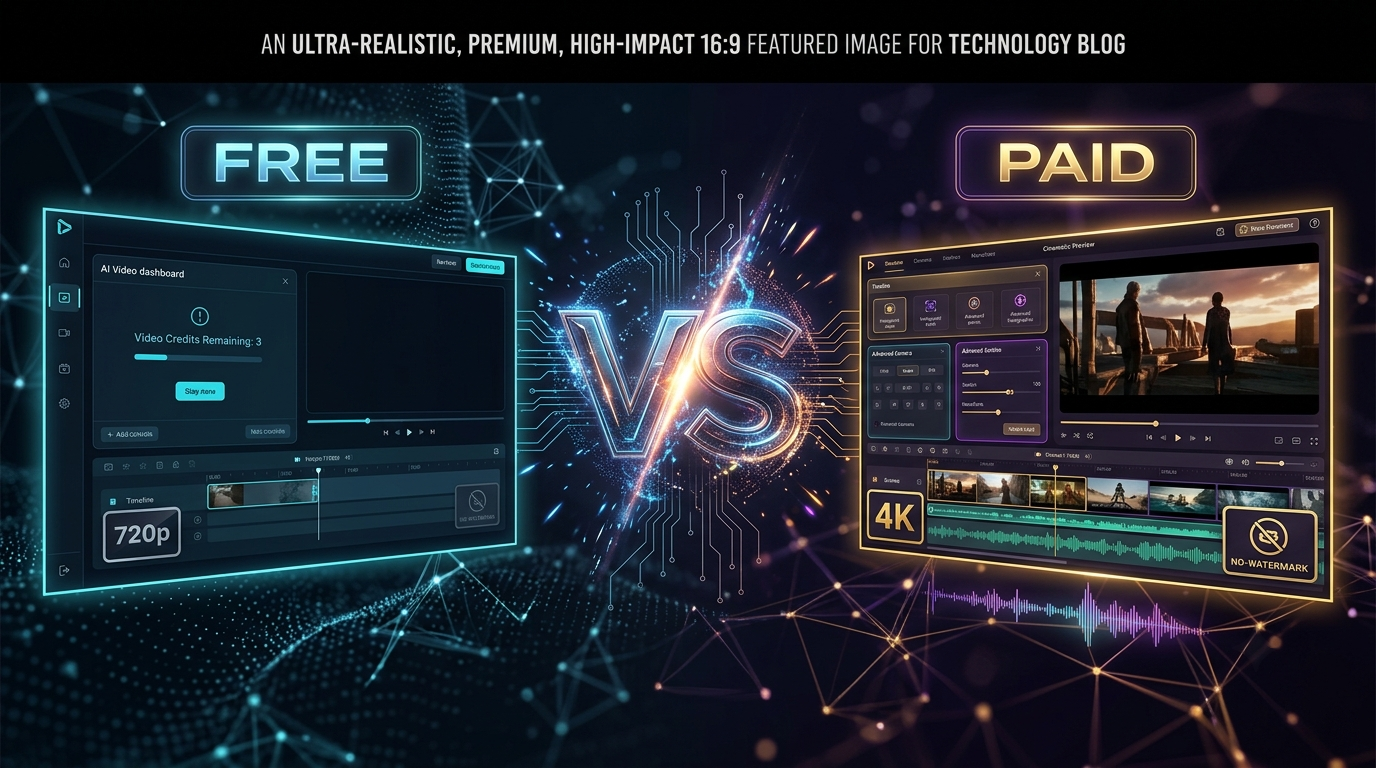
Typically, a free plan includes:
A limited number of credits or generations per day
Shorter clip lengths, often somewhere between 3 and 10 seconds per generation
720p resolution in most cases, though some platforms now allow 1080p on free accounts
Basic text-to-video or image-to-video functionality
Occasional watermarks, though this varies a lot by platform
That last point matters more than people expect. Some tools keep free output completely clean, while others use the watermark as a nudge to get you to upgrade. If branding-free clips matter to you, it's worth checking that detail before committing time to a specific tool.
For someone testing an idea, building a quick reel, or trying to see if AI video even fits their content style, free tools are more than enough. A free ai video generator is also the smartest starting point if you're not yet sure which platform's style or "look" matches your brand. Why pay before you know what you actually like? You can see exactly what's included on the TextVidAI pricing page before you start creating.
What Paid Plans Add to the Equation
Paid AI video generators aren't just "the same thing but without limits." They usually unlock a different tier of capability altogether.
Here's what generally comes with a paid subscription:
Longer video durations, sometimes stretching from 15 seconds up to a full minute or more
Higher resolution output, including 1080p or even 4K on some platforms
Priority processing, meaning your video renders faster instead of sitting in a queue
Advanced features like camera movement control, multi-shot storytelling, character consistency across scenes, and native audio generation synced to the video
Commercial usage rights that are clearly defined, which matters a lot if you're creating content for clients or ad campaigns
No watermark, by default
This is where the real gap between free and paid becomes obvious. Free tools are great for testing and casual use, but professional-grade output the kind that looks like it came from an actual production studio usually requires a paid tier. Better physics simulation, smoother motion, and more accurate lip-sync or dialogue handling are almost always locked behind a subscription. You can compare tiers on the TextVidAI pricing page to see which plan fits your needs.
Free vs Paid: A Side-by-Side Look
So, Which One Should You Actually Use?
This isn't really a "free is worse, paid is better" situation. It's about matching the tool to the job.
Go free if:
You're experimenting with AI video for the first time
You need quick clips for personal social media
You're prototyping an idea before pitching it to a client or team
Budget is tight and short, lower-resolution clips are acceptable
Go paid if:
You're producing content for a business, brand, or client
You need longer videos with consistent characters or scenes
Clean, watermark-free, high-resolution output is non-negotiable
Turnaround speed matters because you're working on a schedule
A lot of creators actually use a mix of both. They test concepts on a free ai video generator, and once they know exactly what they want, they switch to a paid plan for the final, polished version. That approach saves money without sacrificing quality where it counts. For more tips on getting the most out of each approach, check out our guide to writing better AI video prompts.
A Quick Word on Realistic Expectations
Even paid AI video tools still have limitations. Fast movement, hands, and fine detail can sometimes look a little off, and physics doesn't always behave perfectly. This is true across the board, free or paid. The technology is improving fast, but it's not flawless yet. Reviewing your generated clips before publishing them is always a good habit, regardless of which plan you're on.
It's also worth being mindful of licensing. Free plans often come with more restrictive usage terms, so if you're planning to use a video commercially, always check the platform's terms of service first.
Final Thoughts
The gap between free and paid AI video generators isn't about one being "fake" and the other being "real." It's about depth: length, resolution, speed, and creative control. A free ai video generator is the perfect low-risk way to explore what AI video can do for you, while paid plans exist for when your content needs to look and feel professional.
If you're just starting out, there's no reason to jump straight to a subscription. Try a few free tools, see how they handle your ideas, and upgrade only when you hit a wall that a free plan can't get you past. That's the smartest, most budget-friendly way to figure out what actually works for your content.
Ready to try it yourself? Start creating with TextVidAI and see the difference for yourself.