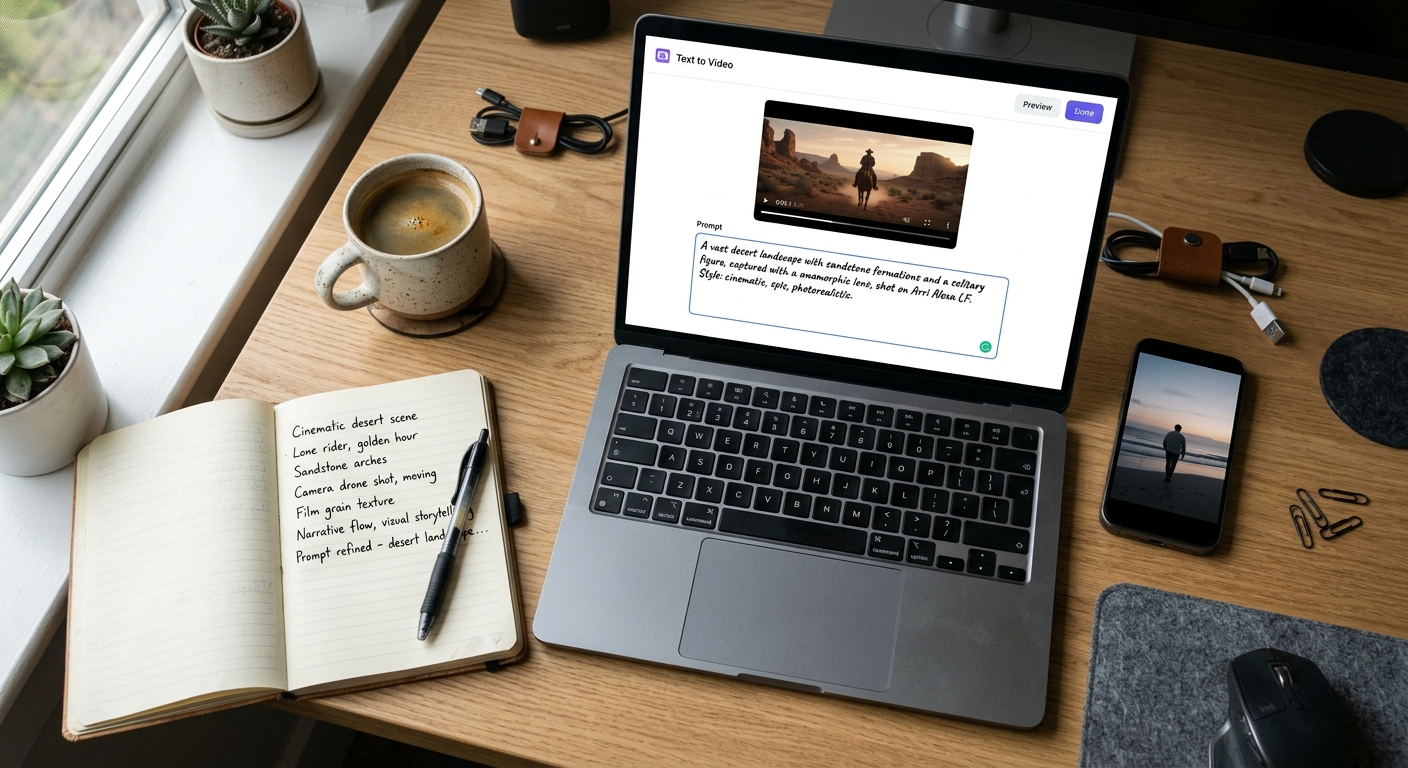
The rise of AI video generators has completely transformed content creation. Whether you're using Veo, Runway, Pika, Kling, Luma AI, or another advanced AI model, the quality of your output depends heavily on one thing: text to video prompts.
Many creators struggle because they write vague prompts like "a cat walking" or "a beautiful sunset." AI video models perform significantly better when given detailed instructions about the scene, camera movement, lighting, mood, and visual style.
In this guide, you'll discover the 10 best text to video prompts that actually work in 2026, along with proven prompt-writing techniques to generate cinematic, realistic, and engaging AI videos.
Why Text to Video Prompts Matter
AI video generators rely on prompt instructions to understand:
Subject and action
Environment and background
Camera movement
Lighting conditions
Visual style
Mood and atmosphere
Video quality
The more precise your text to video prompts, the more professional and realistic your generated videos become.
The Formula for High-Quality Text to Video Prompts
Before jumping into examples, follow this proven structure:
[Subject] + [Action] + [Environment] + [Camera Movement] + [Lighting] + [Visual Style] + [Quality Details]
Example
Instead of:
"A lion in the jungle."
Use:
"A majestic lion slowly walking through a dense African jungle at sunrise, cinematic camera tracking shot, golden sunlight filtering through the trees, ultra-realistic fur details, shallow depth of field, 4K wildlife documentary style."
The second version gives the AI significantly more context and produces better results.
1. Cinematic City Drone Shot
One of the most effective text to video prompts for realistic AI-generated footage.
Prompt
"A futuristic cyberpunk city at night, neon lights reflecting on wet streets, flying vehicles moving between skyscrapers, cinematic drone shot slowly descending from the clouds, volumetric lighting, highly detailed architecture, ultra-realistic, 8K quality, Hollywood sci-fi movie style."
Why It Works
Clear environment
Defined camera movement
Strong visual style
High-detail instructions
Perfect for YouTube intros, trailers, and tech content.
2. Realistic Nature Documentary
Nature scenes consistently perform well with modern AI video generators.
Prompt
"A snow leopard carefully walking across a rocky mountain ridge, dramatic sunrise in the background, camera following from the side, realistic wildlife documentary style, detailed fur movement, natural lighting, cinematic depth of field, National Geographic quality, ultra-realistic 4K."
Why It Works
Realistic animal behavior
Professional documentary style
Dynamic movement
Excellent for educational and wildlife videos.
3. Product Commercial Video
Businesses use this style to create AI-powered advertisements.
Prompt
"Luxury smartwatch rotating on a reflective black surface, cinematic studio lighting, close-up camera movement, glowing interface animations, premium commercial aesthetic, ultra-sharp product details, slow-motion effects, professional advertising campaign, 8K quality."
Why It Works
Focuses on product presentation
Includes lighting instructions
Creates commercial-grade visuals
Ideal for eCommerce and marketing campaigns.
4. Historical Scene Recreation
AI video tools can recreate historical moments with impressive realism.
Prompt
"Ancient Roman marketplace bustling with merchants and citizens, realistic architecture, people interacting naturally, cinematic wide-angle camera shot, warm afternoon sunlight, historical documentary style, detailed clothing and environment, ultra-realistic 4K footage."
Why It Works
Rich environmental details
Strong historical context
Natural human movement
Great for educational content creators.
5. Fantasy Movie Sequence
Fantasy content remains one of the most popular AI video categories.
Prompt
"A powerful wizard standing on a cliff overlooking a magical kingdom, floating islands in the sky, glowing dragons flying in the distance, dramatic camera orbit shot, mystical blue lighting, epic fantasy movie style, highly detailed visual effects, cinematic masterpiece, 8K."
Why It Works
Strong storytelling elements
Rich fantasy world-building
Dynamic camera motion
Perfect for storytelling and entertainment channels.
6. Viral Social Media Video
Short-form content requires attention-grabbing visuals.
Prompt
"A futuristic robot preparing coffee in a modern café, quick cinematic cuts, vibrant colors, smooth camera transitions, realistic metal reflections, engaging social media style, energetic atmosphere, ultra-detailed animation, vertical video format, high engagement content."
Why It Works
Fast-paced visuals
Social media optimized
Strong viewer retention potential
Excellent for TikTok, Instagram Reels, and YouTube Shorts.
7. Luxury Travel Advertisement
Travel-related text to video prompts often generate stunning results.
Prompt
"A tropical island paradise with crystal-clear water and white sand beaches, cinematic drone shot flying over the ocean, luxury resort in the distance, golden sunset lighting, vibrant colors, travel commercial style, ultra-realistic visuals, breathtaking scenery, 8K quality."
Why It Works
Strong emotional appeal
Beautiful natural scenery
Professional advertising style
Ideal for tourism and travel brands.
8. Realistic Human Portrait Video
Modern AI models have become incredibly good at generating realistic human subjects.
Prompt
"Close-up portrait of a confident young entrepreneur working in a modern office, subtle camera movement, natural facial expressions, soft window lighting, shallow depth of field, ultra-realistic skin textures, professional corporate video style, cinematic 4K quality."
Why It Works
Natural human movement
Realistic facial details
Professional atmosphere
Perfect for business and branding content.
9. Action Movie Scene
Action prompts showcase the full capabilities of AI video generators.
Prompt
"A professional race car speeding through a neon-lit city highway at night, dramatic tracking shot, sparks flying from the tires, intense motion blur, cinematic action movie style, realistic reflections, dynamic lighting, ultra-detailed visuals, blockbuster quality."
Why It Works
High-energy motion
Dynamic camera movement
Cinematic atmosphere
Excellent for trailers and promotional videos.
10. AI Influencer Content Prompt
One of the fastest-growing uses of AI video technology in 2026.
Prompt
"A stylish AI influencer walking through a futuristic city street, speaking confidently to the camera, smooth handheld camera movement, realistic facial expressions, modern fashion, soft natural lighting, social media vlog style, highly realistic, vertical video format, 4K quality."
Why It Works
Designed for modern creator workflows
Human-like realism
Social media friendly format
Great for virtual influencers and digital creators.
Pro Tips for Writing Better Text to Video Prompts
To maximize results, always include:
1. Camera Movements
Examples:
Drone shot
Tracking shot
Dolly zoom
Orbit camera
Close-up shot
Wide-angle shot
2. Lighting Details
Examples:
Golden hour
Sunset lighting
Soft studio lighting
Neon lighting
Volumetric lighting
3. Visual Styles
Examples:
Cinematic
Documentary
Anime
Hyper-realistic
Hollywood movie
Luxury commercial
4. Quality Enhancers
Add phrases such as:
Ultra-realistic
Highly detailed
Photorealistic
4K
8K
Shallow depth of field
Professional color grading
Common Mistakes to Avoid
Many creators get poor results because they:
❌ Use very short prompts
❌ Forget camera directions
❌ Ignore lighting details
❌ Mix too many visual styles
❌ Fail to describe movement
Instead, focus on clarity and specificity when creating text to video prompts.
Conclusion
The quality of AI-generated videos in 2026 depends largely on the quality of your text to video prompts. By including detailed descriptions, camera movements, lighting instructions, and visual styles, you can generate professional-grade videos that look cinematic and engaging.
The 10 examples above provide proven templates that work across popular AI video generators like Veo, Runway, Kling, Pika, and Luma AI. Start with these prompts, customize them for your niche, and you'll consistently create better AI videos with less trial and error.
If you're serious about AI content creation, mastering text to video prompts is no longer optional it's the skill that separates average AI videos from truly exceptional ones.