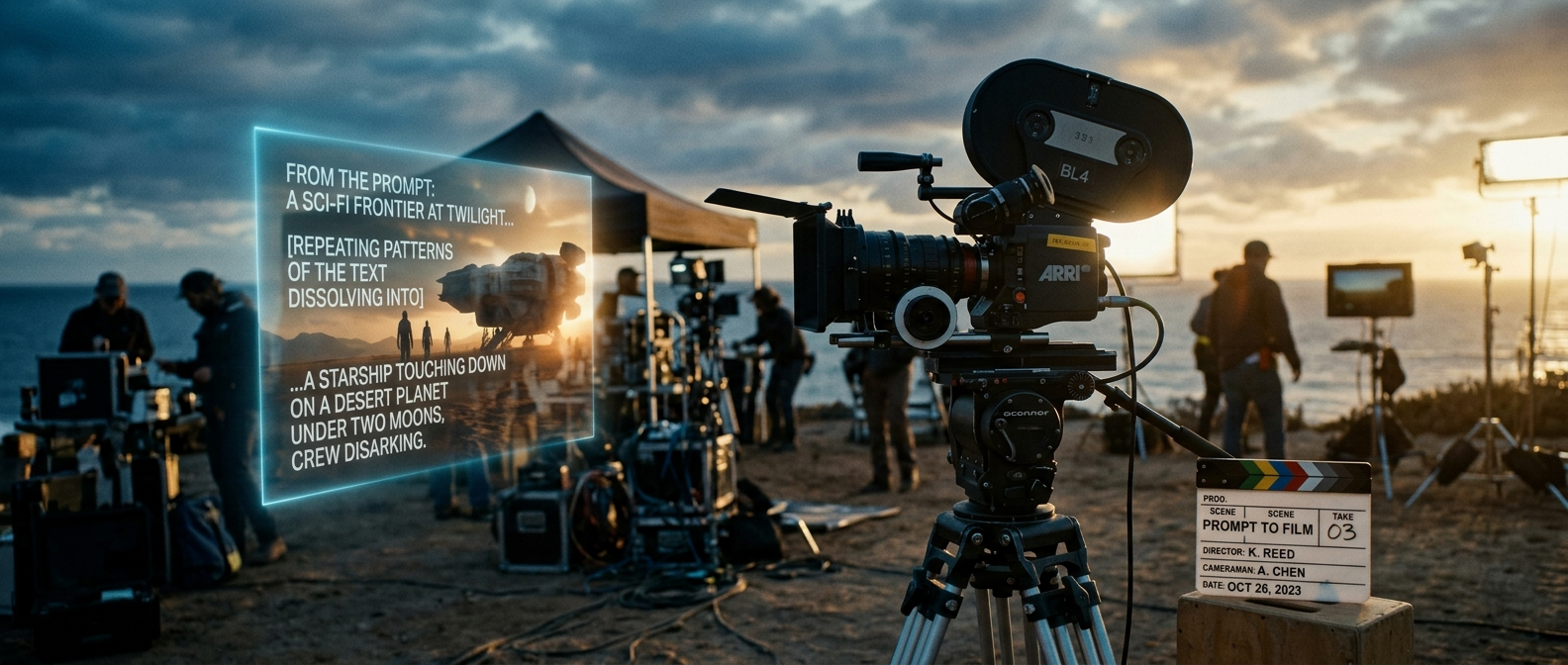
Creating a cinematic AI-generated video used to require a film crew, expensive gear, and years of editing experience. Today, all it really takes is the right words. If you've ever typed a vague idea into an AI video tool and gotten a flat, lifeless clip back, the problem usually isn't the tool it's the prompt.
This guide breaks down exactly how to write AI video prompt templates that consistently produce cinematic, professional-looking results, even if you've never touched a camera or video editor before.
Why Most Beginner AI Video Prompts Fail
New users typically describe what they want ("a man walking in the rain") but skip how it should look and feel. AI video models respond best when you give them cinematic direction camera movement, lighting, mood, and composition not just a subject.
Compare these two prompts:
Weak: "A woman drinking coffee in a cafe."
Cinematic: "Medium close-up shot, woman drinking coffee in a dim, rain-streaked cafe window, warm tungsten lighting, shallow depth of field, slow dolly-in, moody and reflective atmosphere, 35mm film grain."
The second prompt gives the AI a director's brief instead of a caption. That's the entire secret behind consistently cinematic output.
The Anatomy of a Cinematic AI Video Prompt
A strong prompt template generally includes five layers. Once you internalize this structure, you can plug in any idea and get reliable results.
1. Shot Type & Framing
Define how the camera sees the scene: wide shot, close-up, over-the-shoulder, aerial, macro, etc. This alone changes the emotional weight of a clip dramatically.
2. Camera Movement
Static shots feel flat. Add motion cues like slow pan, dolly-in, handheld shake, orbit, or crane shot to introduce cinematic energy.
3. Lighting & Color Mood
Describe the light source and tone: golden hour, neon-lit, harsh daylight, candlelit, desaturated, high-contrast noir. Lighting does more to sell "cinematic" than almost any other element.
4. Subject & Action
Keep this concise and specific who or what is in frame, and what they're doing, in present tense.
5. Style & Texture
Reference a visual style: anamorphic lens flare, 35mm film grain, IMAX-scale composition, Wes Anderson symmetry, or a specific aspect ratio like 2.39:1.
Ready-to-Use Cinematic Prompt Templates
Below are beginner-friendly templates you can copy, edit, and reuse across most AI video generators.
Template 1 Character Close-Up
[Shot type] of [character description], [action], [lighting description], [camera movement], [mood/atmosphere], [film style/aspect ratio].
Example: "Extreme close-up of an old fisherman's weathered hands mending a net, warm amber sunset light, slow handheld push-in, nostalgic and quiet mood, 35mm film grain, 2.39:1 cinematic aspect ratio."
Template 2 Establishing/World Shot
Wide aerial/establishing shot of [location], [time of day/weather], [camera movement], [color grade], epic/cinematic scale.
Example: "Wide aerial establishing shot of a fog-covered mountain village at dawn, slow drone push forward, cool blue color grade, epic and serene atmosphere."
Template 3 Action/Motion Sequence
[Shot type], [subject] [dynamic action], fast [camera movement], dramatic lighting, high energy, motion blur, cinematic sound-implied intensity.
Example: "Tracking shot, a cyclist sprinting through a rain-soaked city street at night, fast lateral tracking movement, neon reflections on wet asphalt, high-energy motion blur."
Template 4 Product/Brand Cinematic Shot
Macro/close-up shot of [product], [surface/backdrop], studio lighting with [highlight description], slow rotating camera, premium and minimal aesthetic.
Example: "Macro shot of a perfume bottle on black glass, soft rim lighting with subtle lens flare, slow 360-degree rotating camera, luxury minimal aesthetic."
Template 5 Emotional/Dialogue Scene
Medium shot of [character], [emotional state], [setting], [lighting mood], subtle camera drift, intimate and cinematic tone, shallow depth of field.
Example: "Medium shot of a young woman staring out a train window, quietly emotional, overcast daylight, soft handheld drift, intimate shallow depth of field."
Common Beginner Mistakes to Avoid
Overloading the prompt - cramming ten ideas into one clip usually confuses the model. Keep one clear focal action per shot.
Skipping camera direction - "cinematic" almost always implies movement or intentional framing, not just a pretty subject.
Ignoring lighting - flat, neutral lighting is the fastest way to make AI video look artificial.
Being vague about mood - words like "moody," "epic," "intimate," or "dreamlike" steer tone far more effectively than technical jargon alone.
Turning Prompts into Finished Cinematic Videos
Writing a strong prompt is only half the process the other half is generating, refining, and assembling those shots into a coherent video. Platforms like TextVidAI are built specifically for this workflow, letting beginners turn structured text prompts like the templates above directly into AI-generated video clips without needing any editing background. If you're just starting out, testing these templates on a dedicated AI video prompt templates platform is the fastest way to see which structure works best for your specific style.
Quick Reference Cheat Sheet
Final Thoughts
Cinematic AI video isn't about knowing complicated film theory it's about giving the AI the same information a real cinematographer would use: framing, movement, light, and mood. Start with the templates above, adjust one variable at a time, and you'll quickly build an instinct for what makes a prompt feel like a movie shot instead of a random clip.
Once you're comfortable with the structure, the fastest way to improve is repetition: write a prompt, generate the clip, tweak one element, and compare results side by side.