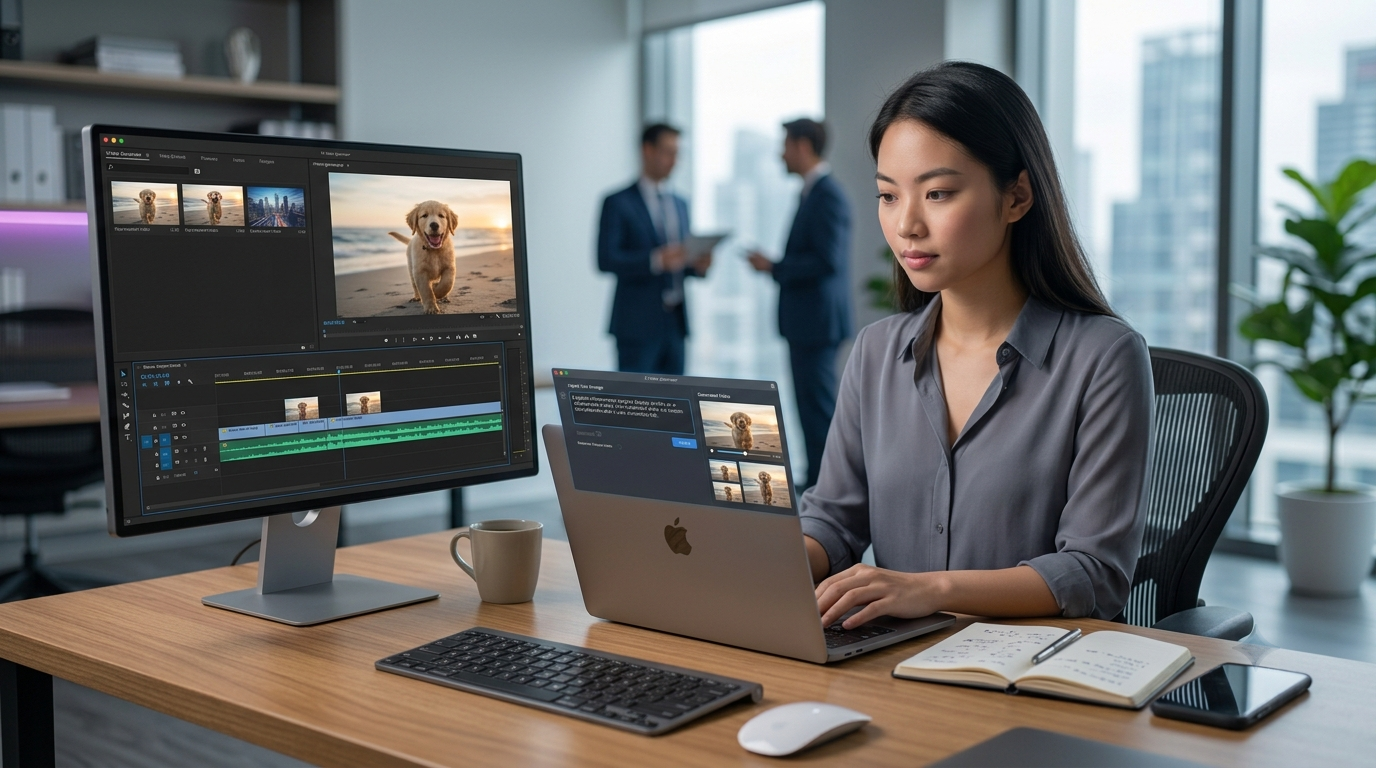
Turning a sentence into a full video used to require a camera, actors, editing software, and hours of work. Today, an ai text to video generator can do it in minutes. You type a description, and the tool produces visuals, motion, voiceover, and even music to match. It feels like magic, but it's actually a chain of well-understood AI systems working together.
In this article, we'll break down exactly how these tools work, in plain language, so you understand what's happening behind the scenes the next time you generate a video from a text prompt.
What Is an AI Text to Video Generator?
An AI text to video generator is a tool that converts written text a sentence, paragraph, or script into a video with visuals, motion, and often sound. Instead of manually filming, editing, and animating content, you simply describe what you want, and the AI builds it for you.
These tools are used by marketers, content creators, educators, and businesses who need fast, affordable video content without a full production team. If you've ever wondered how this is even possible, the answer lies in a combination of natural language processing, computer vision, and generative AI models.
Step 1: Understanding the Text Prompt
The first job of any ai text to video generator is understanding what you actually mean. This is where natural language processing (NLP) comes in.
When you type a prompt like "a golden retriever running on a beach at sunset," the AI doesn't see plain English it breaks the sentence down into structured data. It identifies:
The subject (a golden retriever)
The action (running)
The setting (a beach)
The lighting and mood (sunset)
This structured understanding becomes the blueprint that every later step in the process relies on. The better the AI understands your prompt, the more accurate the final video will be.
Step 2: Generating Visuals from Text
Once the prompt is understood, the AI needs to create actual images or video frames that match it. This is powered by generative models, most commonly diffusion models or transformer-based architectures trained on millions of videos and images.
These models have learned the relationship between words and visuals by studying huge datasets. So when you ask for "a golden retriever running on a beach," the model draws on everything it has learned about dogs, beaches, motion, and lighting to generate new frames that have never existed before they're not copied from existing footage, they're created from scratch.
This is fundamentally different from traditional stock footage or template-based tools, which simply search and reuse existing clips. If you're curious how this compares to older editing workflows, our detailed breakdown on text-to-video AI vs traditional video editing explains the differences in depth.
Step 3: Creating Motion and Consistency
A single image is easy to generate. A smooth, consistent video is much harder. The AI has to make sure that:
The subject looks the same from one frame to the next
Movement appears natural, not jittery or distorted
The background stays consistent as the "camera" moves
To do this, most ai text to video generator tools use a technique called temporal coherence modeling. Essentially, the AI doesn't generate frames in isolation it generates them with awareness of the frames before and after, so motion flows smoothly instead of flickering or glitching.
Some tools also use motion prediction models that map out how objects should move over time, similar to how animators plan keyframes before filling in the in-between motion.
Step 4: Adding Voice, Sound, and Music
Many AI text to video generators go beyond visuals. If your prompt includes a script or narration, text-to-speech (TTS) models convert the written words into natural-sounding voiceover, complete with pacing, tone, and emphasis.
On top of that, some platforms layer in:
Background music that matches the mood of the video
Sound effects synced to on-screen actions
Captions or subtitles generated automatically from the script
This turns a silent visual sequence into a complete, ready-to-publish video without needing a separate audio editor.
Step 5: Rendering the Final Video
Once visuals, motion, and audio are ready, the system compiles everything into a single video file. This rendering stage handles:
Frame rate and resolution settings
Syncing audio with visuals
Applying transitions between scenes
Exporting in the correct format (MP4, for example)
This is the same technical process traditional video editors perform manually except here, the AI handles it automatically based on what it generated in the previous steps.
Why This Technology Feels So Fast
The reason an ai text to video generator can produce results in minutes instead of hours comes down to how these models are trained. Instead of learning one video at a time, they're trained on massive datasets covering countless scenes, movements, and styles. This pre-trained knowledge means the AI isn't starting from zero with every request it's applying patterns it already understands to a new, specific prompt.
This is also why prompt quality matters so much. A vague prompt gives the AI less to work with, while a detailed, descriptive prompt helps it generate a more accurate result on the first try.
Common Limitations to Know About
While the technology is impressive, it's not perfect yet. Common challenges include:
Occasional visual inconsistencies in longer videos
Difficulty with complex physical interactions (like hands or fast movement)
Limited control over very specific, fine-grained details
These limitations are improving rapidly as models get better, but it's worth setting realistic expectations, especially for professional or brand-critical content.
How to Get Better Results from an AI Text to Video Generator
If you want higher-quality output, a few simple habits make a big difference:
Be specific - mention subject, action, setting, and mood clearly.
Keep scenes simple - one clear idea per scene works better than crowded prompts.
Describe style - mention if you want realistic, animated, cinematic, or minimal visuals.
Break long scripts into scenes - this helps maintain consistency across a longer video.
Final Thoughts
An ai text to video generator combines several advanced AI systems language understanding, image generation, motion modeling, and voice synthesis into one seamless workflow. What used to take a full production team can now be done by a single person with a clear idea and a good prompt.
As this technology keeps improving, the gap between "written idea" and "finished video" will keep shrinking. If you want to see how this approach stacks up against traditional editing tools in more detail, check out our full comparison on text-to-video AI vs traditional video editing.