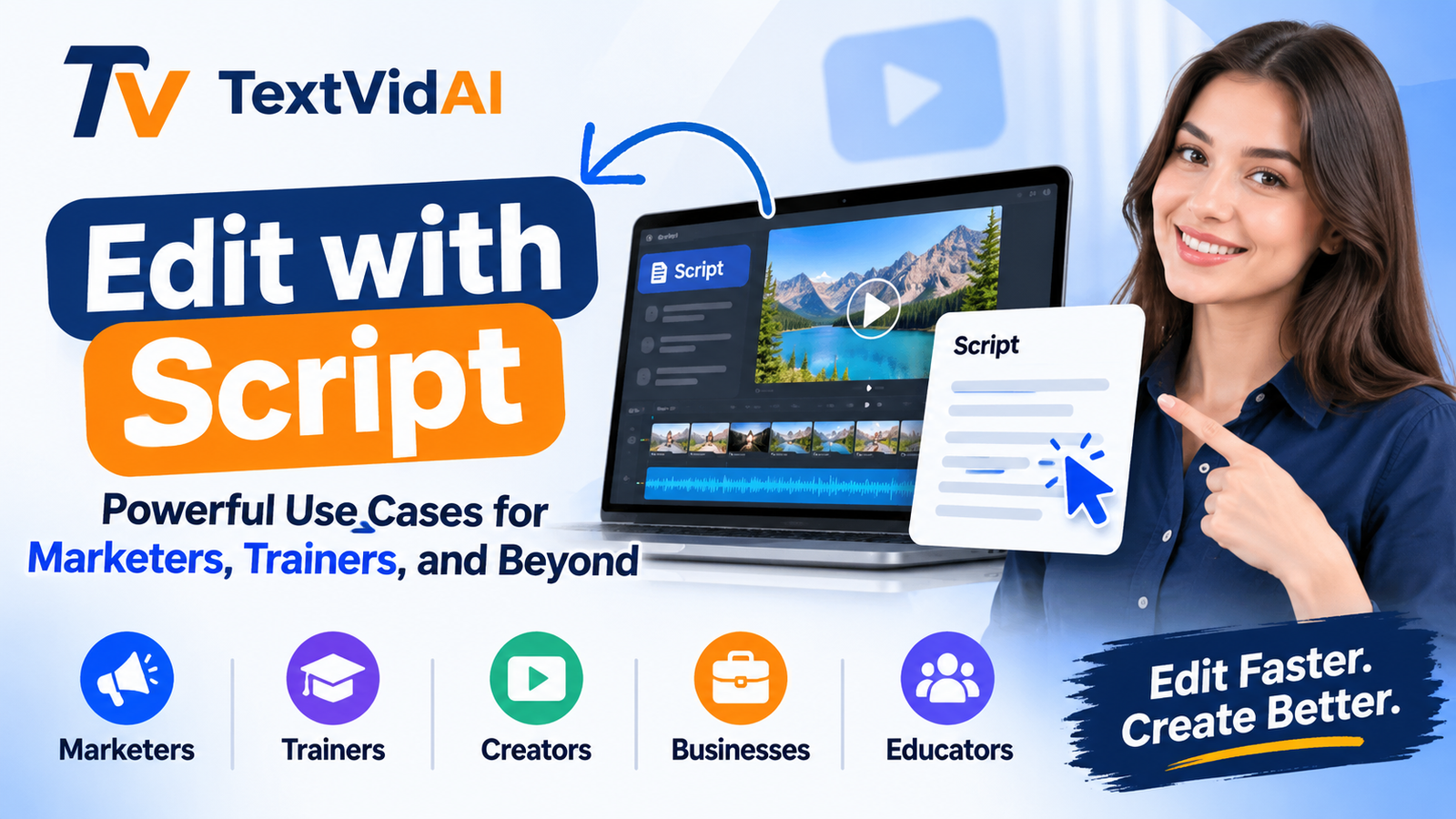
Most people who make videos at work are not editors. A marketer needs a product clip by Friday. A trainer needs to fix one wrong step in a 20-minute onboarding video. Timeline editing makes both jobs slow, because you have to scrub through footage to find the right second.
Script-based editing starts somewhere else. You work on the words, and the video follows them. This guide covers how edit with script works, where it saves the most time, and how to pair it with AI video generation so a script becomes a finished video.
What Is Edit with Script?
Edit with script is also called text-based editing. The tool turns the speech in your video into a transcript, and every word is linked to its moment in the footage. If you delete a sentence in the text, that part of the video is cut. If you move a paragraph, the clip moves with it.
There are two common ways to work like this:
Transcript editing: You upload recorded footage, the tool transcribes it, and you edit the transcript like a document.
Script-first creation: You write the script before any footage exists. Then you build the video scene by scene from a recording, stock footage or AI-generated clips.
Either way, the script is in charge. That fits most work videos, because what gets said matters more than flashy transitions.
Why It Beats Timeline Editing
Faster cuts. You can find a word in text in seconds. Finding it on a waveform takes much longer.
Cleaner speech. Many tools flag filler words and long pauses so you can remove them in one pass.
Easier reviews. A manager or legal team can mark changes on a transcript without opening an editor.
Lower skill barrier. If you can edit a document, you can edit the video.
More reuse. One transcript also gives you captions, a blog draft and social copy.
Use Cases for Marketers
Social Clips From Long Videos
A 45-minute webinar usually holds a handful of strong moments. Search the transcript for key phrases, highlight the best lines and export each one as a short clip for LinkedIn, Reels or Shorts. Our YouTube Shorts guide covers format and hooks.
Ad Variations
Write three hooks for the same ad. Keep the body the same and change only the opening line. Because each version is just a change to the text, testing which hook stops the scroll costs very little.
Product Demos
Demos go out of date when a feature changes. With a script-based workflow, you update the lines that changed and redo only those scenes. You don't have to rebuild the whole video.
Customer Testimonials
Raw interviews tend to ramble. Read the transcript, keep the strongest two or three sentences and cut the rest. The customer's real words stay the same, so the message stays honest.
Use Cases for Trainers and Educators
Onboarding and SOP Videos
Processes change all the time. When one step changes, fix that line in the script and replace that section. Your training library stays current without a full reshoot.
Course Lessons
Teachers can split long lectures into short lessons by topic. The transcript also works as lesson notes, and it makes the video searchable for students.
Compliance Training
Compliance content has to match approved wording. With a script-first process, HR or legal signs off on the text before production, and the final video follows that approved script.
Multilingual Training
Once the script is final, translation is simple. Translated scripts can drive subtitles, voiceovers or new versions of the video for teams in other countries.
Beyond Marketing and Training
Podcasters cut the transcript, then pull short video clips for social media.
YouTubers and faceless channels write the script first and create visuals for each scene.
Sales teams record one intro video and change only the name and company line for each prospect.
Internal comms teams cut a long leadership update down to a two-minute summary.
Researchers and journalists search interview footage for exact quotes instead of rewatching hours of video.
How to Turn a Script Into a Video
1. Write for the Ear
Use short sentences with one idea each. Read the script out loud. If you stumble on a line, your viewer will too.
2. Split It Into Scenes
Treat every one to three sentences as one scene. Next to each scene, write what the viewer should see while that line plays.
3. Write a Visual Prompt for Each Scene
Turn each scene note into a clear prompt. For example: "Slow push-in on a laptop showing a sales dashboard, soft office light, shallow depth of field." Our camera movement prompts and cinematic prompts can help.
4. Generate Your Clips
Paste each prompt into the TextVidAI generator. You can choose a model such as Sora 2, Veo 3.1 or Kling 2.6, or let the engine pick one for your style. To animate product photos, use image to video. Clips export in HD or 4K.
5. Assemble and Add Voice
Put the clips together in script order, then add your voiceover and captions. If you need scenes longer than a few seconds, read how to make AI videos longer.
6. Edit Against the Script
Watch the draft with the script open next to it. Cut anything that doesn't support a line, and tighten scenes that run long.
Tips for Better Results
Plan your length. Most people speak at about 130 to 150 words per minute, so a one-minute video needs a script of around 140 words.
Write the hook first. The first line decides whether people keep watching.
Lock the script before you generate. Changing it later means redoing scenes.
Keep the look consistent. Use the same style words in every prompt so the scenes match.
Check names and numbers. Transcripts can get these wrong, so proofread before you publish.
Keep captions on. Many people watch with the sound off.
FAQ
What does "edit with script" mean?
It means editing a video by changing its transcript or script instead of cutting clips on a timeline. When you remove or move text, the matching video changes too.
Do I need editing experience?
No. If you can edit a document, you can handle script-based editing. That's why it works well for marketers, trainers and small teams.
Which tools offer edit with script?
Transcript editors such as Descript and VEED let you cut recorded footage by editing text. TextVidAI focuses on the creation side: it turns your written scenes into video clips with AI. Many creators use both.
Can I make a video from just a script?
Yes. Split the script into scenes, write a prompt for each one and generate the clips with an AI video tool. Then add a voiceover and captions.